
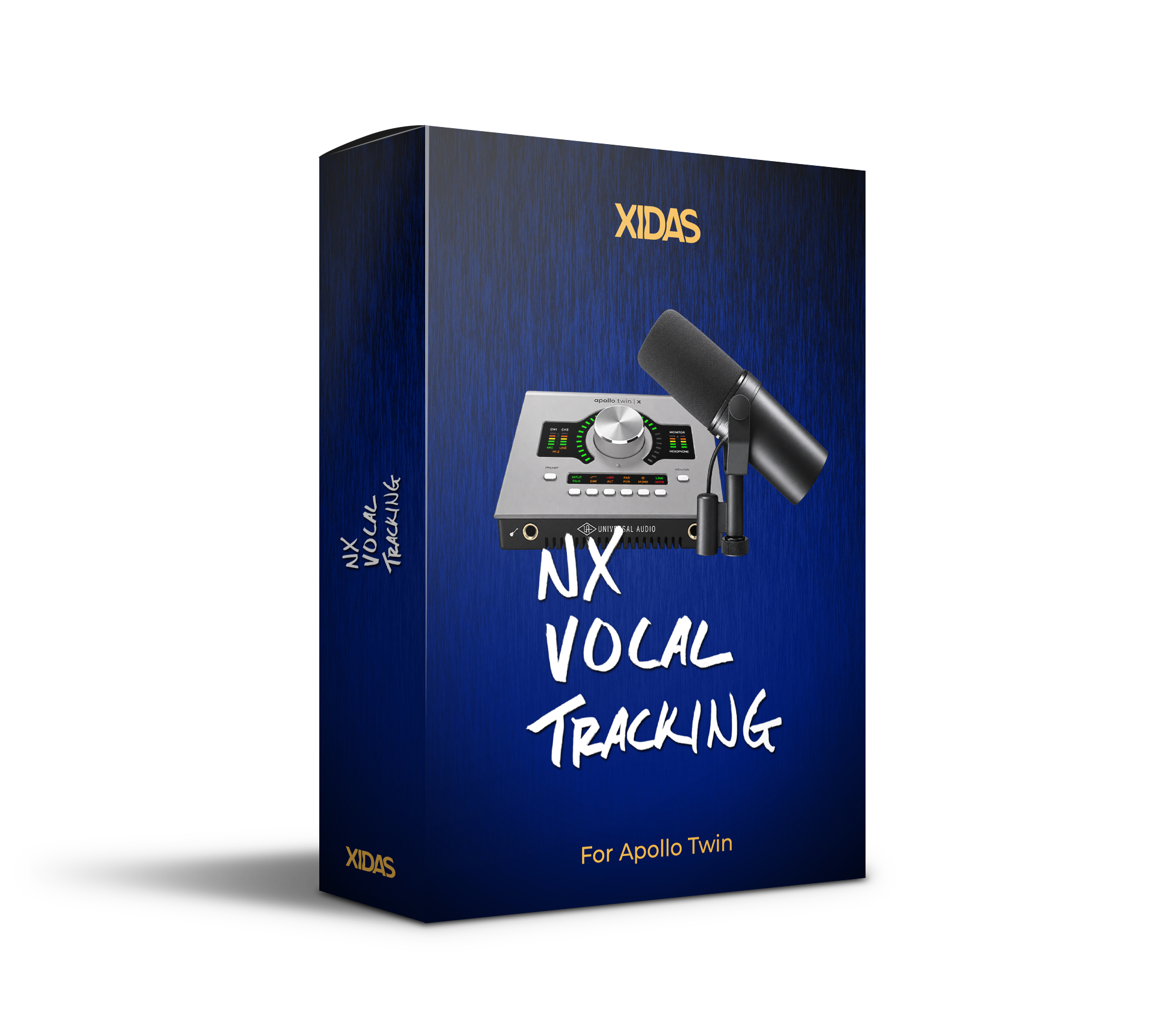
NX VOCAL TRACKING
For Apollo Twin
Get your vocal to shine while you record. ✨
My exact Apollo Twin vocal chain for a polished, inspiring studio sound with Zero Latency.
Download. Double-click. Go! The complete vocal setup opens directly in your Console app, already configured and ready to record.
Stop Fighting Latency. Sound like a record while you record.
My exact Apollo Twin workflow for polished, zero-latency vocal tracking.
Download. Double-click. Go! Your complete vocal tracking setup opens directly in Console, already configured and ready to record.
Get Your Mic Sounding Like A Record 🎤
Have you ever plugged straight into your interface and thought, “Why does this sound so dull and flat?”
You already know your Apollo interface is powerful, but maybe you've not quite figured out how to put all the pieces together into a reliable vocal setup that actually works.
That's where NX Vocal Tracking comes in.
This is the exact Apollo Console workflow I use when I record to take my raw mic signal from dull and flat to clear and inspiring, using 100% free UAD plugins that already come with every Apollo interface.
Plus, this workflow uses your Apollo's built-in DSP, so you get this polished sound in your headphones while you record with virtually no latency.
Get your source material right, and you'll be amazed at how much better your mixes sound.
👇Hear The Difference👇
Why This Matters
When your voice sounds inspiring, you perform differently.
Instead of thinking about your interface, your plugins, or whether your vocal sounds good, you can focus on the performance.
You hear a polished sound in your headphones, your setup is already dialed in, and you can simply perform. 🚀
What’s Inside?
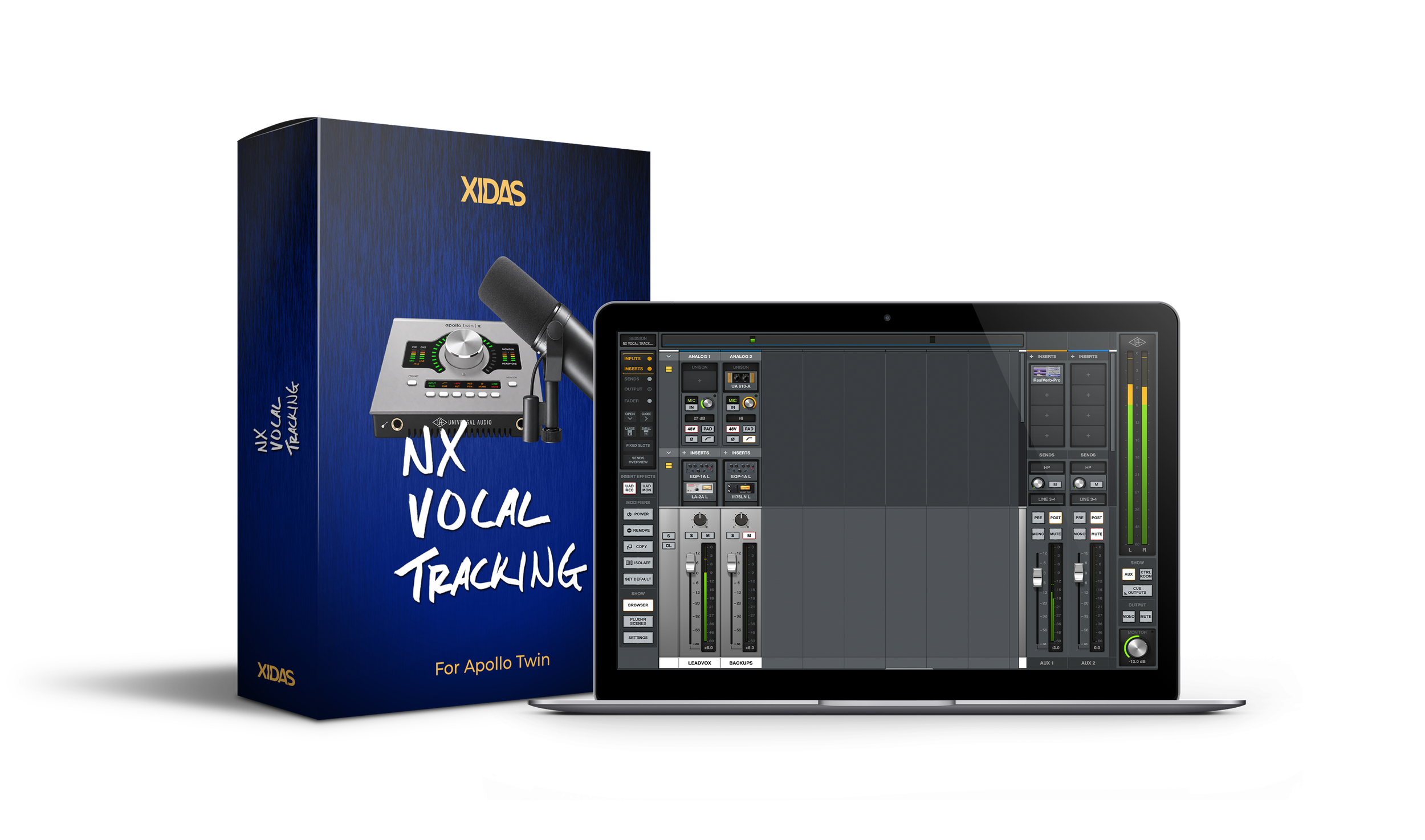
1️⃣ COMPLETE APOLLO CONSOLE SESSION
.uadmix session you can double-click and go
Dedicated lead vocal channel
Dedicated backup vocal channel
EQ and compression shaping your tone
Lush reverb routed for zero-latency monitoring
Optimized gain structure for clean, powerful vocal recordings
2️⃣ SETUP & RECORDING GUIDE
Short video showing you exactly how to save, use, and integrate this workflow with your own music in Logic Pro.

The Exact Recording Workflow I Use
These are the exact Apollo/UAD Console settings I use when recording my own music.
I've refined this setup over hundreds of hours of recording, so when inspiration strikes, I don't have to think about the technical side. I just turn on my Apollo, put on my headphones, and hear my voice exactly the way I want it to sound.
Now you can do the same.
Compatibility
NX Vocal Tracking is designed exclusively for Universal Audio Apollo Twin interfaces running UAD Console.
Ready To Hear Your Voice Differently?
Stop Fighting Latency. Sound like a record while you record.
My exact Apollo Twin workflow for polished, zero-latency vocal tracking.
Download. Double-click. Go! Your complete vocal tracking setup opens directly in Console, already configured and ready to record.
NX Vocal Tracking is an independent product created by Niko Xidas x Audiodust and is not affiliated with or endorsed by Universal Audio.
FAQ
-
Apollo Twin models only.
It does not work with Apollo Solo/x4/x6/x8/x16.
-
No. Volt interfaces do not use the UAD Console app.
-
NX Vocal Tracking is optimized for the Shure SM7B + Cloudlifter.
However it will work with virtually any other microphone, you may just need to adjust the gain and processing to suit your needs.
-
No.
NX Vocal Tracking uses only Legacy UAD plugins that are included with all Apollo hardware purchases.
*Verify that your Apollo software includes the following plugins before purchasing:
Teletronix LA-2A Legacy
UA 1176LN Legacy
Pultec EQP-1A Legacy
UA 610-A Preamp
RealVerb-Pro
-
EQ and compression are intentionally recorded into your DAW.
Reverb is for monitoring only and is not printed into your session.
-
No.
This product is designed to help you capture a better performance.
NX Vocal Template is designed to help you mix that performance inside Logic.
They are complementary workflows. 🤝
-
Since this is an instant-download digital product, all sales are final.
That said, if you run into any technical issues, reach out to me at niko@audiodust.studio and I'll personally help you get up and running.